Making it cooler
Upgrades for elements across the site. The ones marked Live are on the real pages now; the rest are here in case you want them later.
- 01Chrome that movesLive · Home · hero
- 02Chrome letteringEvery page · headings
- 03Pinstripe dividersLive · Page titles, bands
- 04Scrolling bandHome
- 05Tilting work cardsLive · Home · Work
- 06Photo viewerWork · Home
- 07Photos in the lettersLive · Home · styles
- 08Scroll timelineLive · Process · Home
- 09Gliding FAQLive · FAQ · Home
- 10Buttons & menu linksMenu links are live
- 11Custom cursorEverywhere, on computers
- 12Booking form polishLive · Book a consult
- 13Sprayed section edgesBetween colour blocks
- 14Chrome spotlight footerLive · Every page · footer
- 15Footer wordmark fontsTen options, a–j
01
Chrome that moves
A light sweeps across the chrome lettering every few seconds (faster when you hover it), the logo's own sparkles twinkle, and the payasa leans toward the cursor with a cobalt glow that follows it. The small header logo hides while the header is see-through over the hero and appears with the solid bar.
LiveHomepage hero02
Chrome lettering
Headings get the same polished-chrome finish as the logo, and the script word writes itself on as you scroll to it. On the light scheme the chrome turns gunmetal, on Oxblood it turns gold.
Now: Flat white headings; the script word only changes colour.
Fresh off the chair
Now: flat white heading with a blue script word.
From idea to healed
03
Pinstripe dividers
Hand-striped flourishes, the kind painted on custom cars, that draw themselves in as they come into view. A small one sits under each page title (like the one above), a big one over the final call to action on the homepage and in the CozyVik "On the road" band.
LiveUnder every page title04
Scrolling band
Two tilted ribbons running opposite ways, one in Old English and one in script. Hovering pauses them.
Now: Nothing there; sections meet directly.
Black & Grey, Realism, Payasas, Saints, Portraits, Script, House Calls, London, ON. Consult first, One client at a time, Free touch-ups, Private studio.
05
Tilting work cards
Each photo tilts toward the cursor with a glare that moves across it, like a glossy print catching the light, and the caption rises. Touch screens get the plain cards.
LiveWork page and the homepage photos06
Photo viewer
Tap any photo to open it large with its title and note. Arrow keys, the on-screen arrows or a swipe move through the work; Esc or tapping outside closes it.
Now: There's no way to see a piece big; photos just link to the Work page.
07
Photos in the letters
Each style's name is set huge with the tattoo showing through black & grey letters. Hover and the whole photo floods in behind the word.
LiveHomepage, What Vik is known for08
Scroll timeline
A rail fills in as you scroll, and each step lights up when you reach it.
LiveProcess page and the homepage09
Gliding FAQ
Answers glide open, only one stays open at a time, the + turns into a −, and the open question gets an accent rule down its side.
LiveFAQ & Policies and the homepage10
Buttons & menu links
Menu links draw an underline out from the middle, and the current page keeps a small ✦ over its link. The candy-paint and chrome buttons below weren't picked.
LiveMenu links (the buttons below are not used)The last two lean toward the cursor and catch a sweep of light on hover.
The current page keeps a small ✦ over its link.
11
Custom cursor
A ring that trails the pointer and grows into "View" over photos and "Book" over the booking button. Here it only runs inside the box.
Now: The normal cursor.
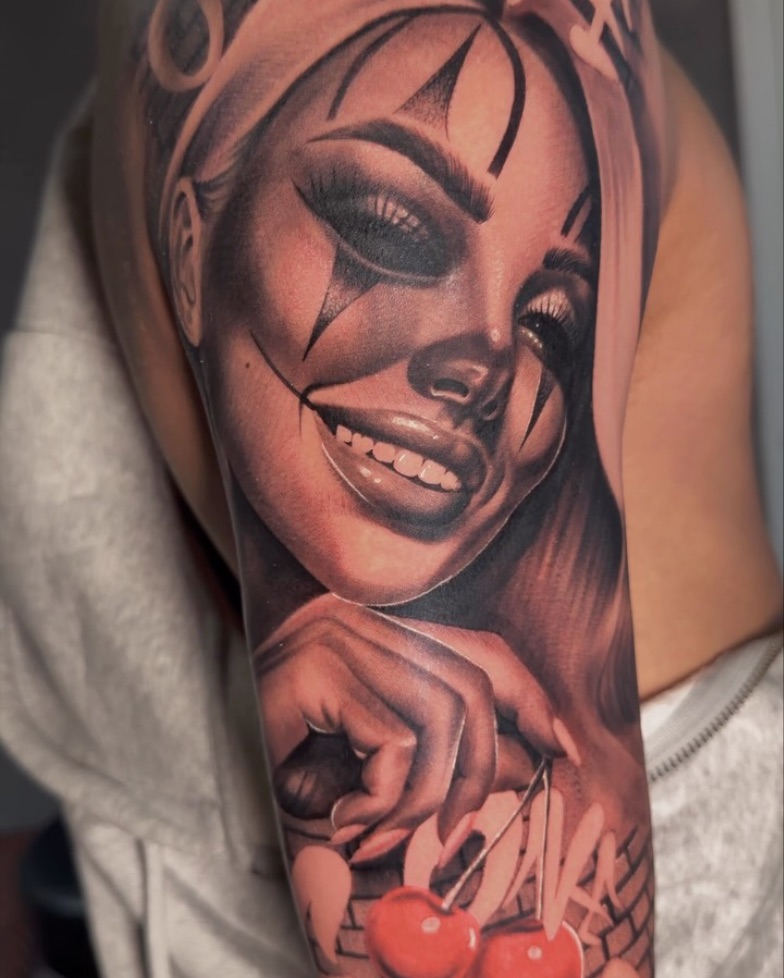
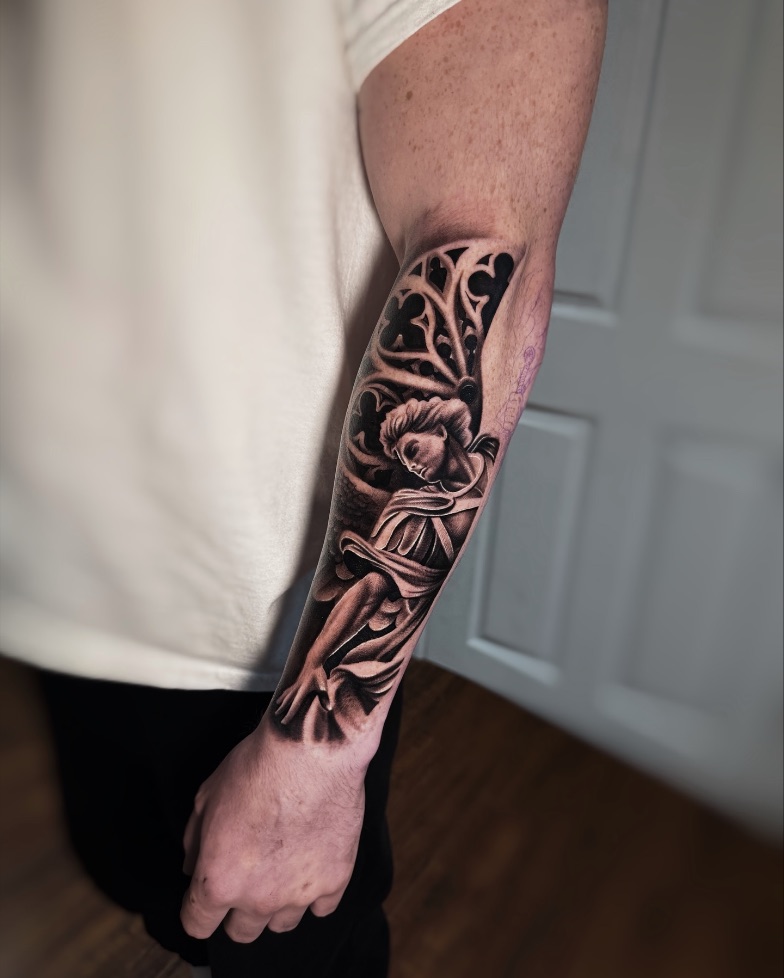
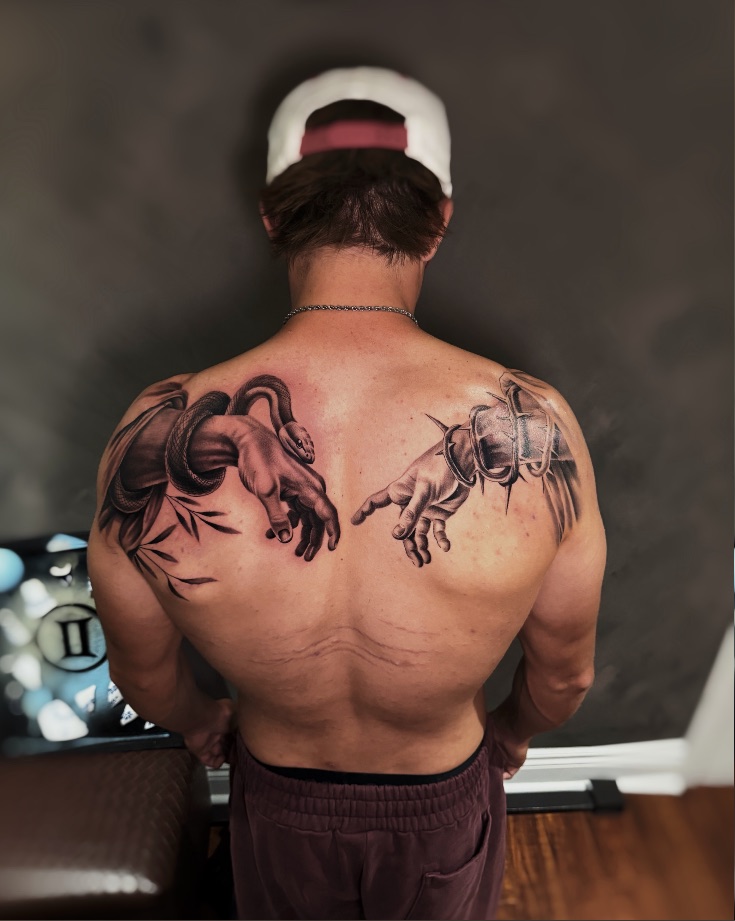
Move over the photos and the button.
Book a consultYou're on a touch screen, so this one only shows on a computer.
12
Booking form polish
Option edges light up under the cursor, a check stamps the one you pick, the progress bar has a notch per step, and steps slide across. (The size boxes were dropped.)
LiveBook a consult13
Sprayed section edges
The next section's colour is sprayed up into the one above, with overspray speckle like a real can.
Now: A hard straight line.
Consult first
Vik comes to you
Consult first
Vik comes to you
14
Chrome spotlight footer
The big wordmark turns to chrome wherever the cursor shines on it, now in the heading font so it's easier to read. On phones the light drifts across by itself.
LiveThe footer of every page, including this one15
Footer wordmark fonts
The big "CozyInkz" at the bottom of every page in ten different fonts, each with the same chrome spotlight. The second five (f–j) lean into the brand's roots. Tell me the letter you like (e.g. "15g").
Now: Old English heading font (15e).
15aScriptMatches the chrome logo's lettering
15bTall condensedBold and poster-like
15cWideClean and modern, very easy to read
15dSerif italicElegant, like a signature
15eNowOld English heading font (current)
15fGraffiti handstyleLike a tag from the payasa's spray can
15gSign painter's scriptBrush lettering like a car-club plaque or a pinstriper's hand
15hOld English, easy to readClassic tattoo lettering, drawn for legibility
15iFlash bannerOld-school tattoo flash and sign lettering
15jSpray paintLetters with real overspray, easy to read